Updated To-Do List
Flower Shot
Texture / Shader
Refine petal texture for more natural color variation
Reduce how see-through the petals feel (adjust SSS + opacity balance)
Subtle roughness variation to avoid flat highlights
Model
Final polish on petal thickness and layering
Ensure silhouette feels organic
Lighting
Keep ring as brightest focal point
Strengthen depth of field for more cinematic separation
Check translucency under backlight
Water Shot
Create a different background (not reusing current setup)
Make sure background is fully 3D and affected by lighting
Fix emission point
Adjust sky so it matches water lighting
Shot 5 – Ring Focus
Redo lighting for stronger focal emphasis
Refine ring faceting so highlights read clearly
Ensure reflections feel clean and intentional
Avoid flat or dull metal response
Backgrounds (All Shots)
No comped backgrounds
Add depth and subtle environmental elements
Ensure lighting consistency across scenes
Overall Polish
Stronger depth of field where needed
Keep ring as focal point in every shot
Maintain color consistency across shots
Final realism pass on materials and lighting
Final renders of Main FX Shots
I rendered a turntable to check the final cloth material under a HDRI light.
Sheen & Coat
I added a subtle sheen so the fabric catches light naturally along the folds.
A light coat layer helps soften highlights without making the cloth look plastic.
A light coat layer helps soften highlights without making the cloth look plastic.
Subsurface
I introduced a very small amount of subsurface to add depth. This keeps the fabric from feeling flat and helps shadows transition more softly.
Result
The turntable confirmed the highlights move nicely across the folds, and the cloth now feels softer, richer, and more dimensional while still staying realistic.


Faceting was fixed, as well as BG change in shot 5, to add more cohesion and eye sight to the center of the shot, sing a more abstract vertical bg, so it feels uniform and created lined that connect to the ring shape when coming apart.
The Final results of Shot two, having a different background, adding a more cohesive look of bgs to all the shots, instead of this shot having the only realistic bg.



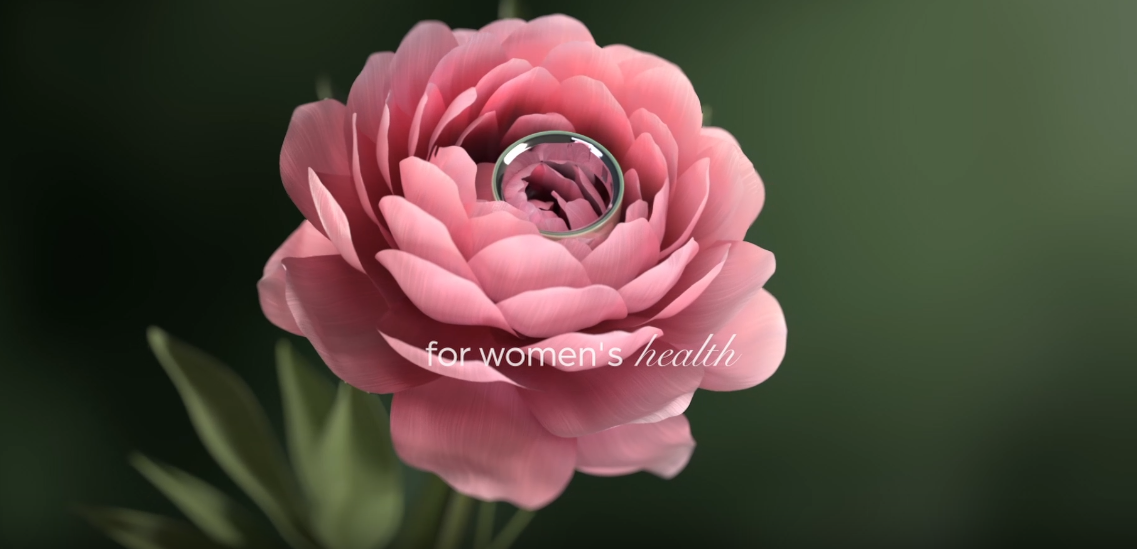
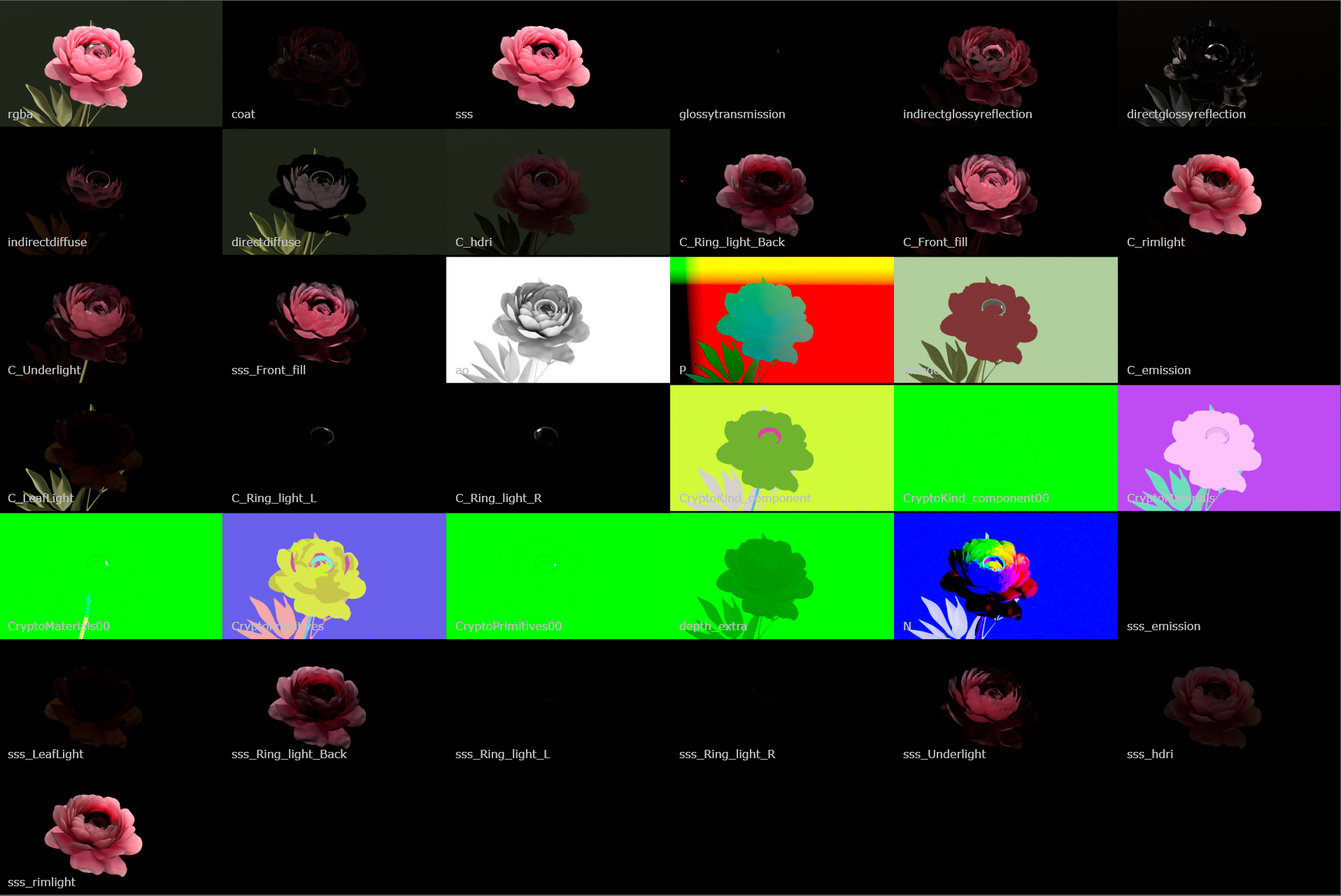
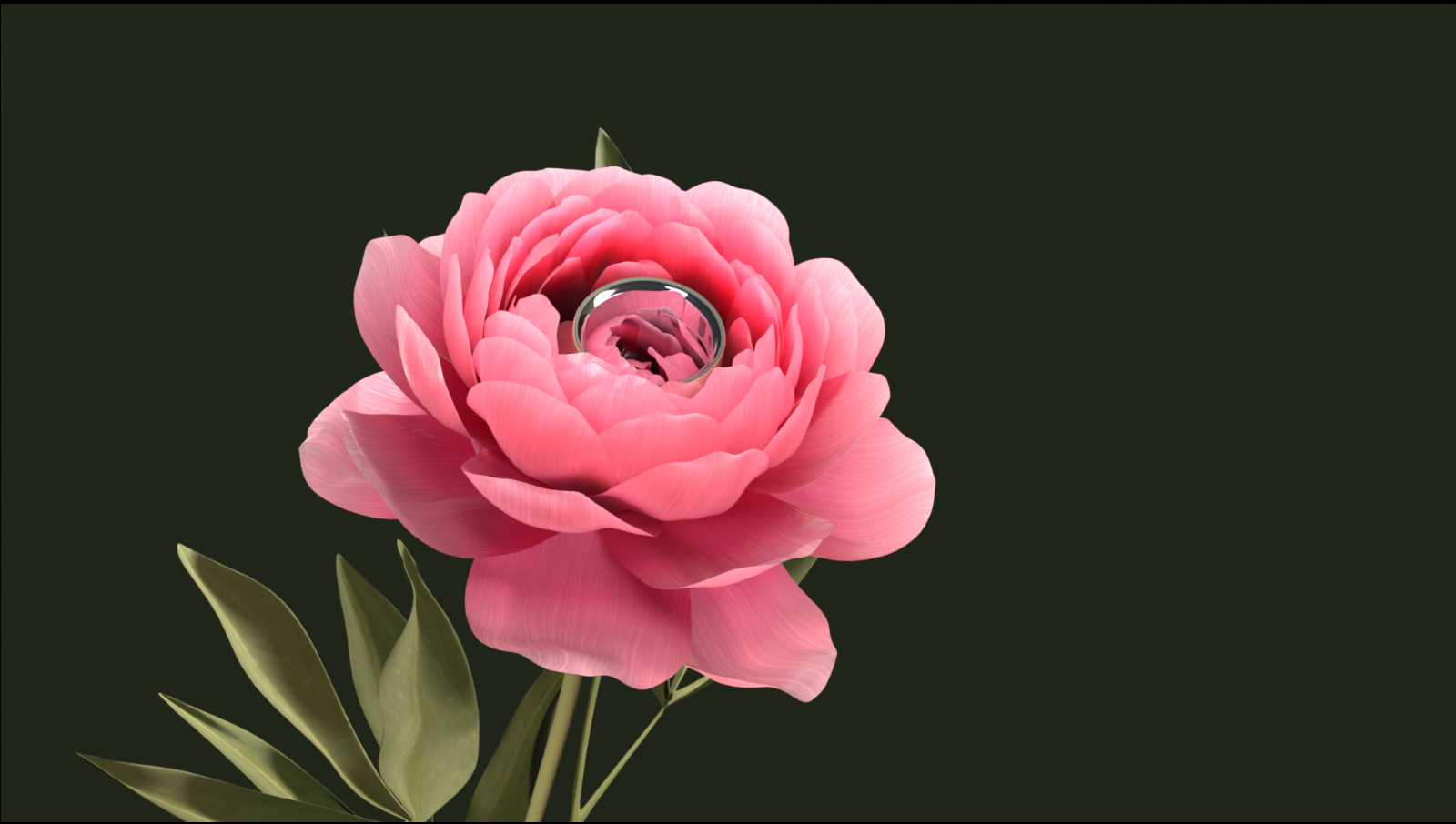
The Flower had added Depth of field, comped in BG, as well as mask control in the AOVs for the petal lines. Many AOVs were added so the Compositor could alter specific lights, textures, and other minor factors during post to add more refinement if needed, so we would not have to re-render a shot completely.
Ring Faceting Update
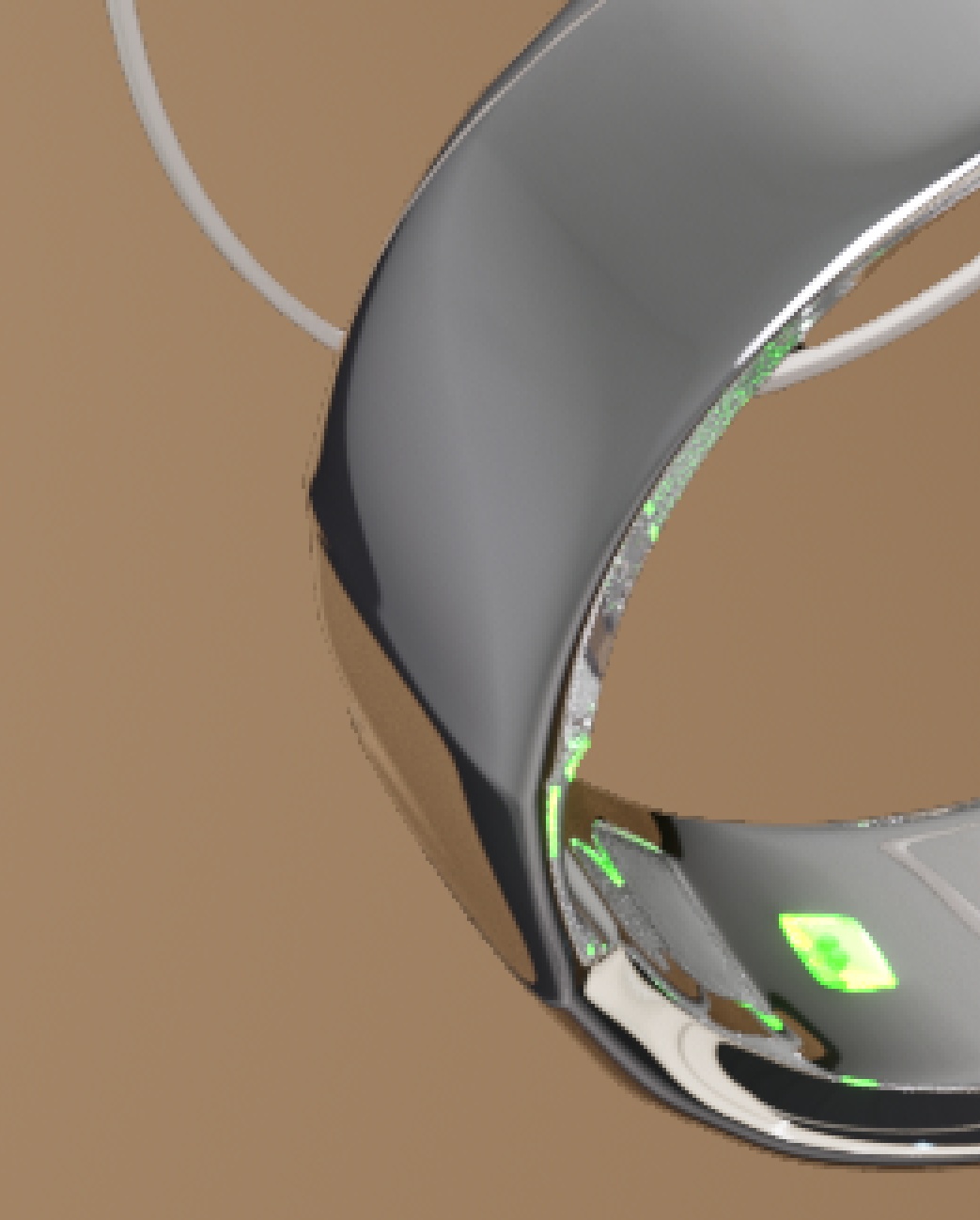
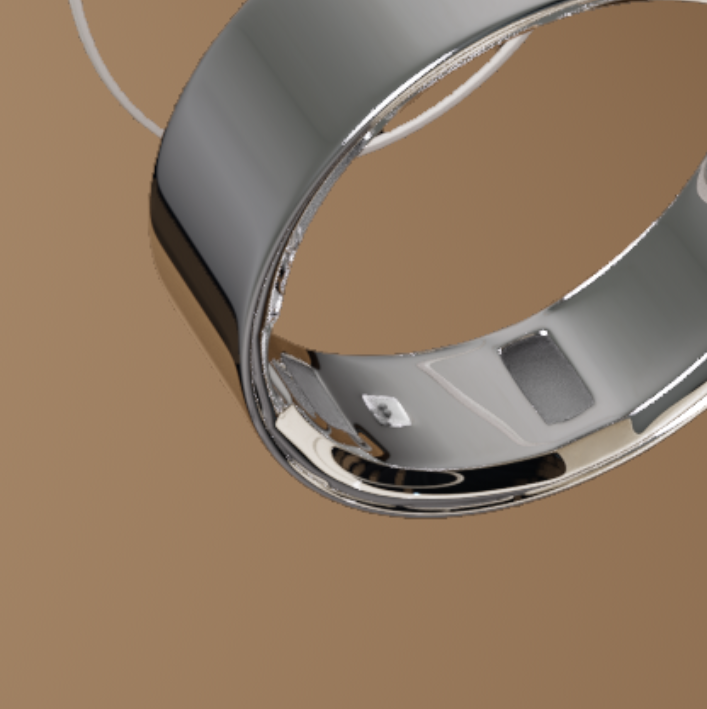
After review and mentor feedback, we noticed that when the ring separates, the faceting on one side was breaking the illusion of the form. The highlights weren’t flowing correctly, which made that section feel disconnected from the rest of the ring.
What I Fixed
Redid the topology on the outer ring
Cleaned up the geometry so the faceting flows evenly
Adjusted edge continuity to maintain consistent highlight movement
This ensured the reflections travel smoothly across the surface, especially during separation.
Final Pass Check
In the final render pass, I made sure:
The updated section matches the rest of the ring
Highlights feel cohesive across all pieces
The material response stays consistent
Now the faceting reads cleanly, and the ring maintains its illusion of a continuous, polished surface even when separated.
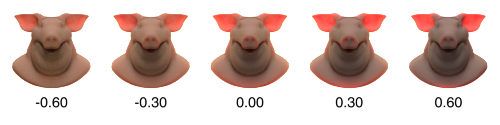
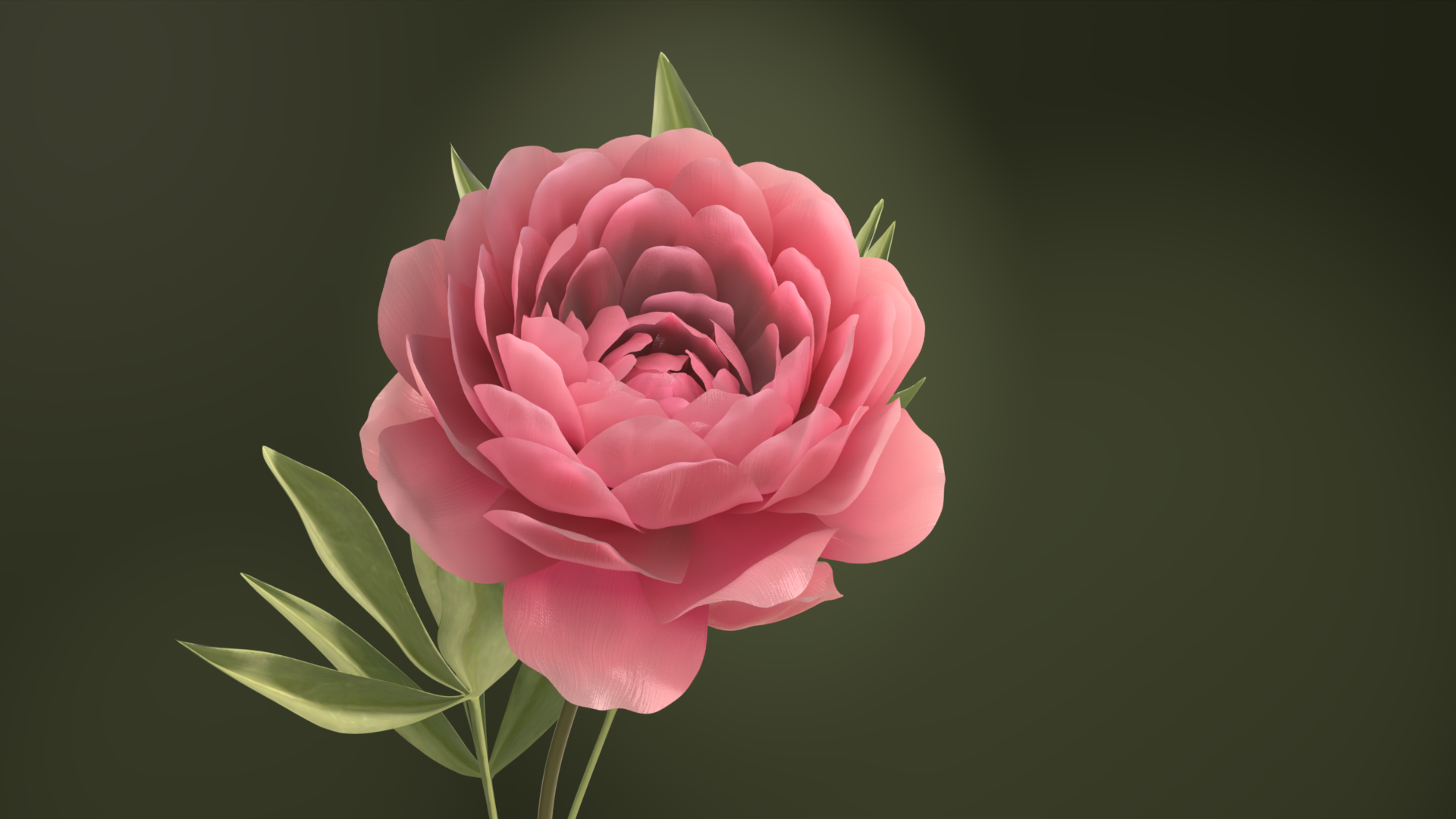
While refining the flower, the subsurface in Houdini was acting strangely. Instead of feeling like light scattering naturally through a petal, it started to look slightly emissive, almost like the flower was glowing from within rather than reacting to light.
This made the petals feel artificial and less grounded.
What Changed?
Increased Displacement
We heightened the displacement slightly to give the surface more physical variation. This helped the light break up more naturally instead of spreading evenly across a smooth surface.
We heightened the displacement slightly to give the surface more physical variation. This helped the light break up more naturally instead of spreading evenly across a smooth surface.
Added More Coat + Sheen
We increased the coat and sheen layers to:
We increased the coat and sheen layers to:
Improve highlight response
Add a more natural surface interaction with light
Reduce the flat, cloth-like appearance
A mentor mentioned the petals were starting to feel like fabric, so these adjustments helped shift them back toward a more organic, biological surface.
Flower Update
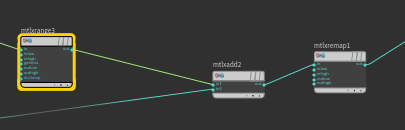
Matte Lines for Veins
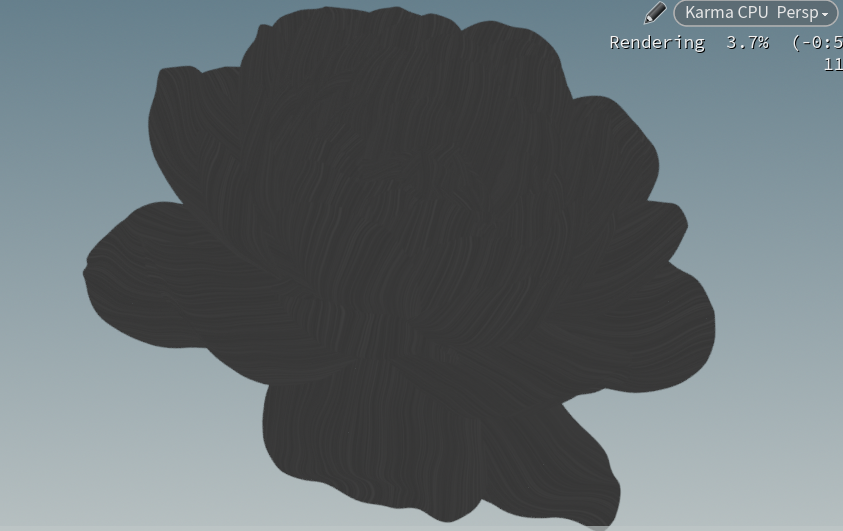
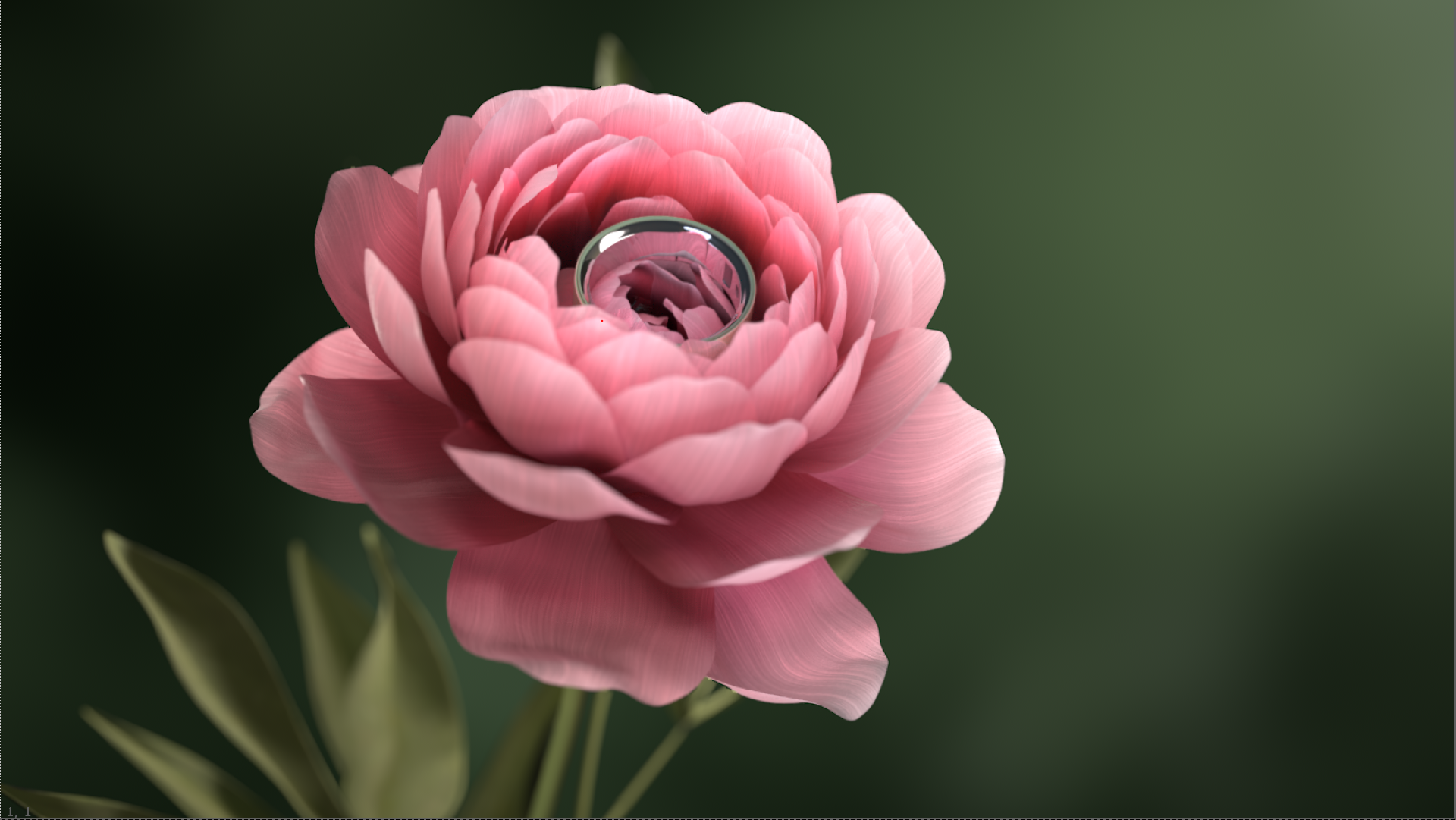
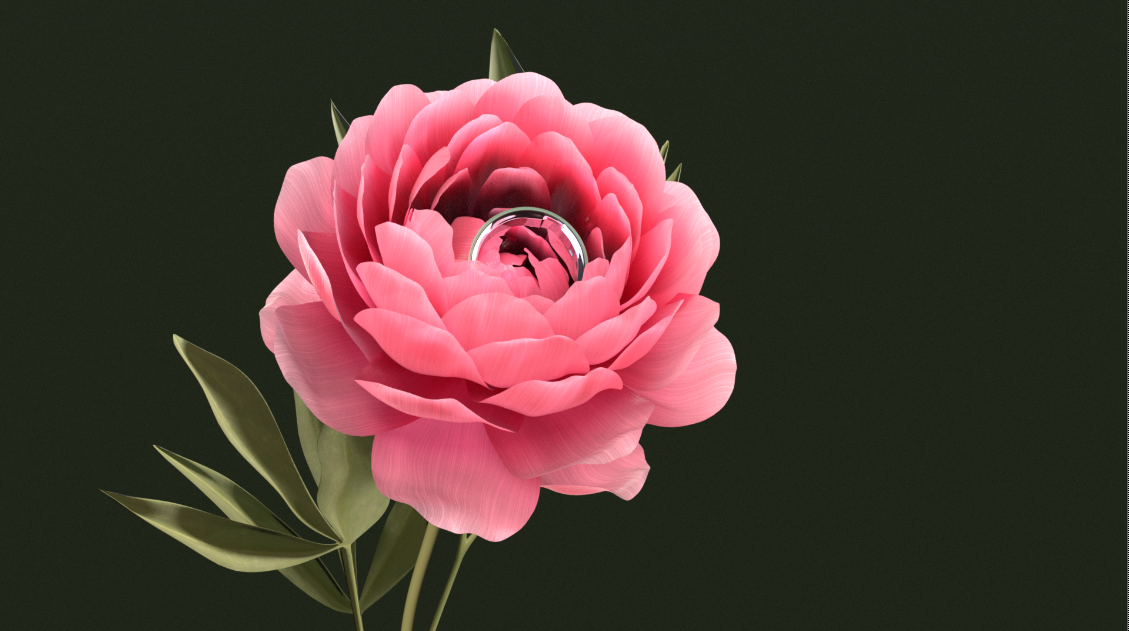
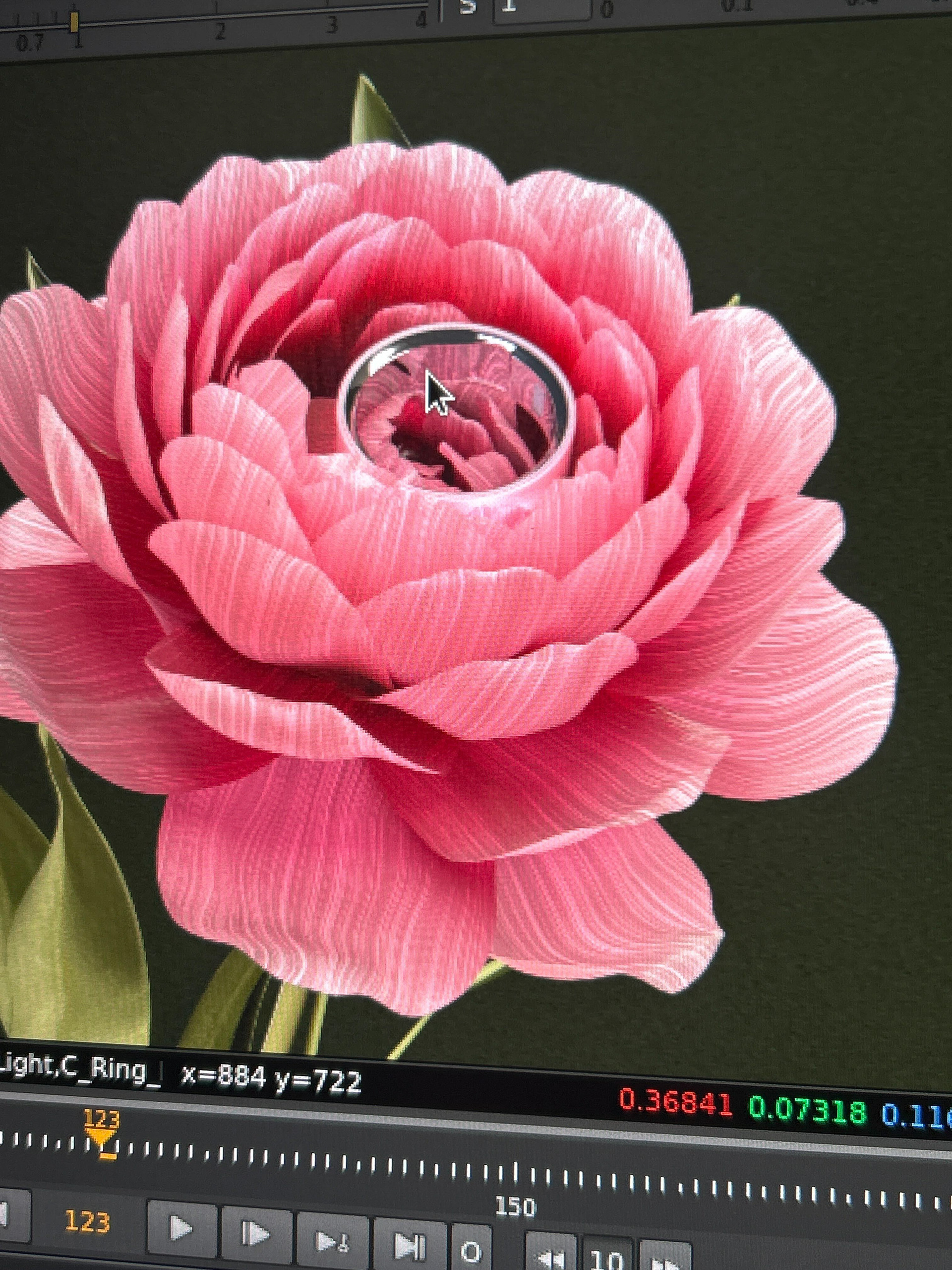
Using the mattes we created earlier, I enhanced the subtle line work in the petals to better suggest natural vein structure. These lines are still soft, but they now read more clearly under light and help break up the flatness of the base color.
Lighting Update for Subsurface
I adjusted the lighting to help the subsurface scattering pop more. By refining the backlight and slightly adjusting intensity, the thinner edges of the petals glow more naturally.
This makes the flower feel softer, more delicate, and more organic without overexposing the surface.
The Top Left image is the final result of the Flower shot this week
Unified Noise Exploration – Petal Displacement
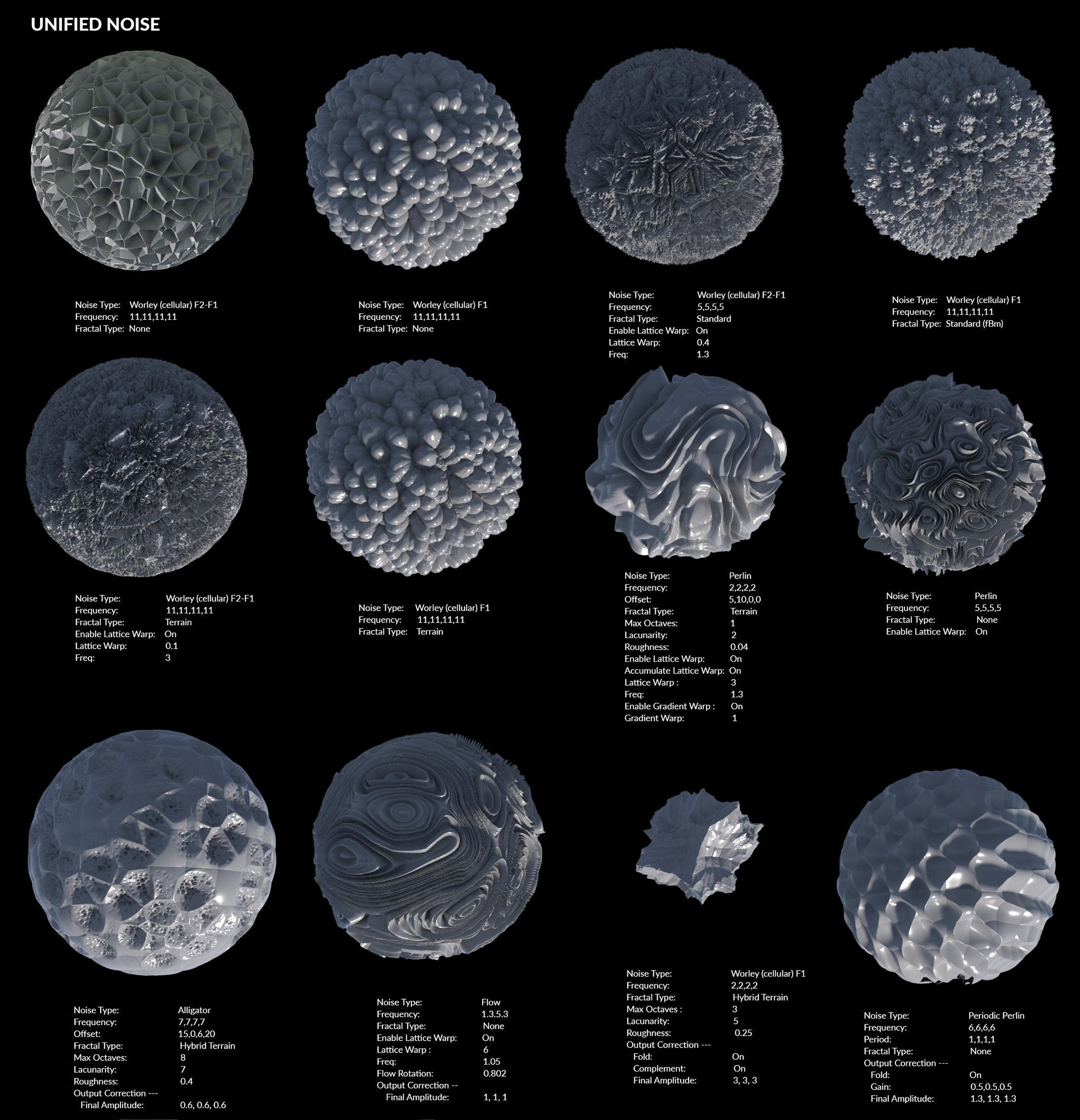
I tested a variety of Unified Noise types to see how they affected the petal displacement. Each noise produced very different surface results — some created bubbly, organic breakup, while others produced sharper crystalline or flowing patterns.
This sheet was helpful because it clearly shows how changing:
-Noise type
-Frequency
-Fractal settings
-Warp and position
can dramatically change the displacement outcome.
Final Choice
I ended up using a Worley (cellular) noise because it gave a more natural, organic breakup that worked well for subtle petal surface variation.
To shape it properly for veins, I:
Scaled the noise longer on the Y axis
Compressed it on the X axis
This created more elongated, linear patterns instead of round cellular blobs, which better suggests natural petal line structure.
Result
The displacement now feels:
-Directional rather than random
-Subtle but organic
-More supportive of the petal form
Exploring different unified noise types helped narrow down what felt biological versus overly procedural, and adjusting the axis scale made a big difference in achieving more vein-like detail.
Flower & Ring Updates
Procedural Noise for Veins
I added subtle procedural noise to the flower’s base color and used it as a mask to create soft vein lines. This breaks up the flat color and makes the petals feel more natural without making the veins too obvious.
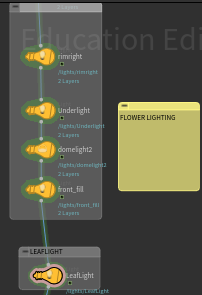
Light Linking – Petals
I set up light linking for the petals to better control highlights and translucency. This keeps them soft and dimensional without getting blown out by the main lights.
Light Linking – Ring
The ring also has its own light linking since it’s the hero object and moves through the frame. This helps keep strong, clean highlights on it and makes sure it stays the focal point as it moves, instead of looking flat or stagnant.